The Internet's #1 Microsoft Teams chat generator
Create something funny, share it and bask in the instant gratification
GET STARTED

What's TeamsMemes?
Great question! With TeamsMemes, you can create fake Microsoft Teams conversations that never happened in real life - think of the possibilities! Check out the showcase below for some inspiration.
No design skills required - just pick your participants, type out the messages, and TeamsMemes handles the rest: read receipts, timestamps, light or dark mode, all pixel-matched to the real thing. It takes about thirty seconds to go from blank page to screenshot-ready chaos.
It's free to use, works entirely in your browser, and doesn't require an account - just make your meme and download it.
How to make a fake Teams chat
Building a convincing Microsoft Teams conversation takes about thirty seconds. Here is the whole process, start to finish.
- 1
Add your chatters
Give each participant a name and, if you fancy it, upload a profile picture. One person sends, the other receives - just like a real Microsoft Teams conversation.
- 2
Write the messages
Type out the conversation line by line, choosing who says what. TeamsMemes automatically handles timestamps, read receipts and message grouping so it looks exactly like the real thing.
- 3
Pick your theme
Flip between light and dark mode to match whatever look you are going for. Dark mode is perfect for that authentic "typing at 11pm" energy.
- 4
Download and share
Hit Download and your fake Teams chat is saved as an image, ready to drop into a group chat, a Slack channel, a tweet or a presentation nobody asked for.
Showcase
Oh, the hilarity of it all!
Lighthouse and Vercel
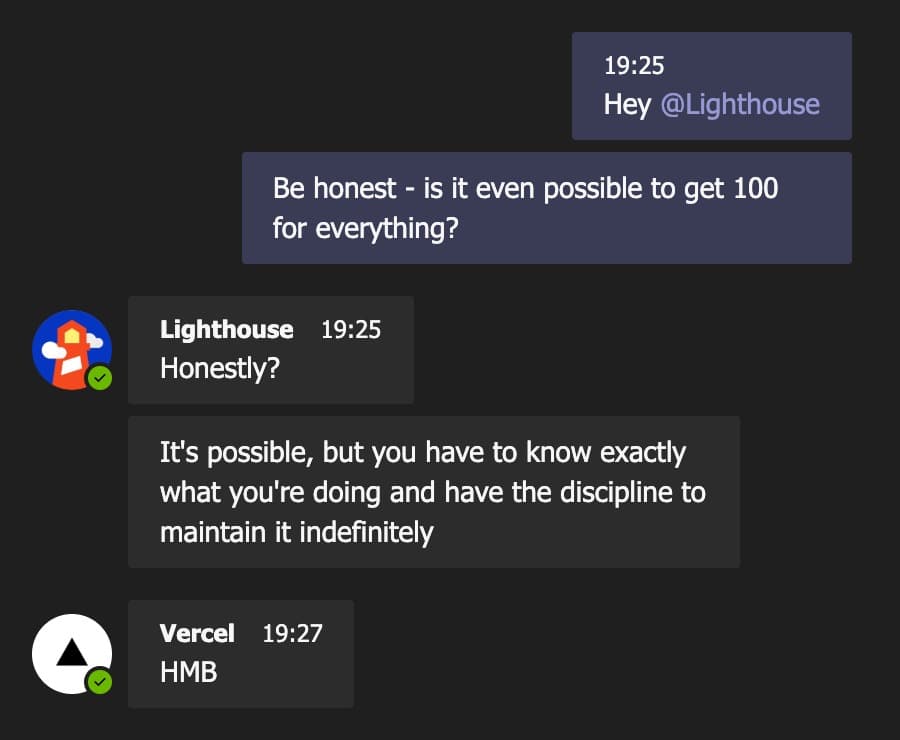
Every developer's eternal quest: a perfect 100 across the board. Lighthouse won't budge and Vercel's keeping suspiciously quiet about it.
Isaac's Advice
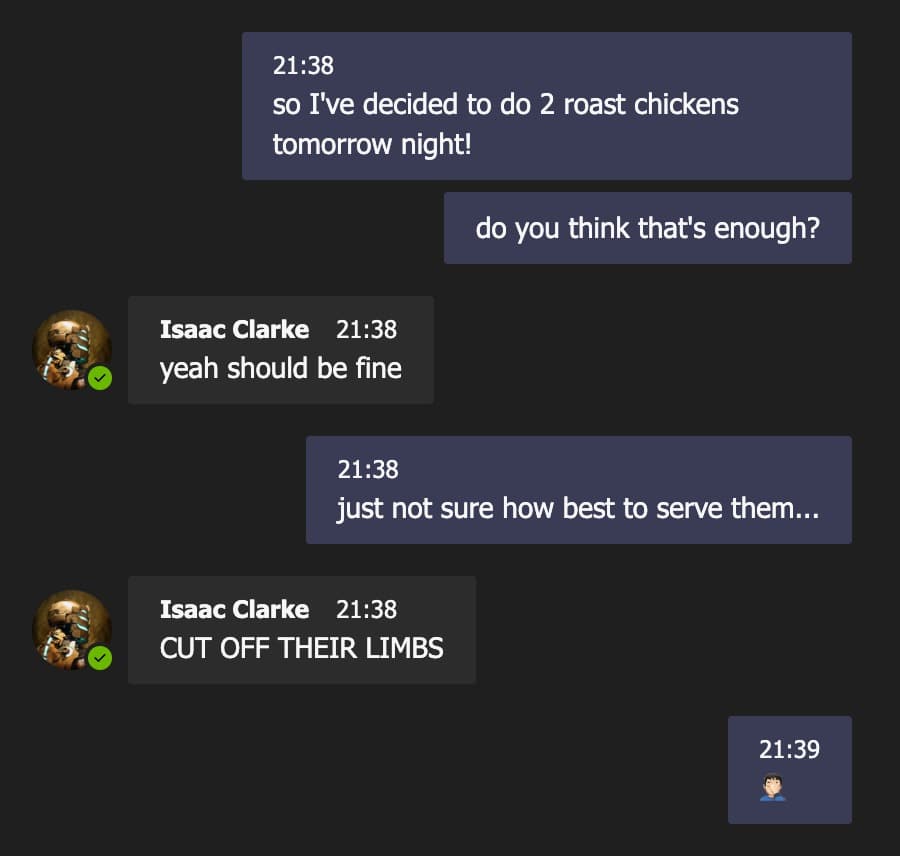
Never ask Isaac Clarke for a dinner party tip - the man's spent way too long around Necromorphs to give a normal answer.
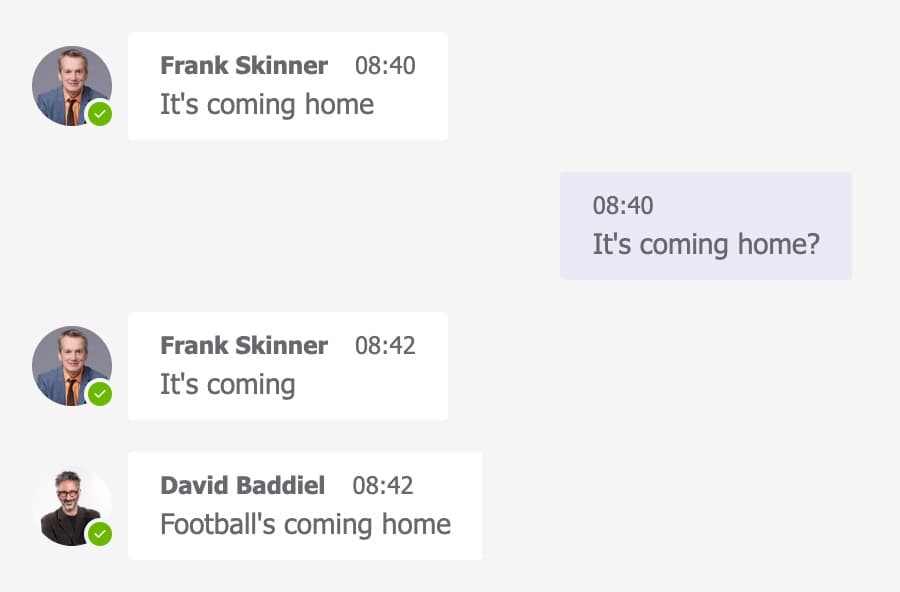
Football's Coming Home
Skinner and Baddiel, decades of cautious optimism, and one very English group chat. It's coming home. Probably. Maybe.
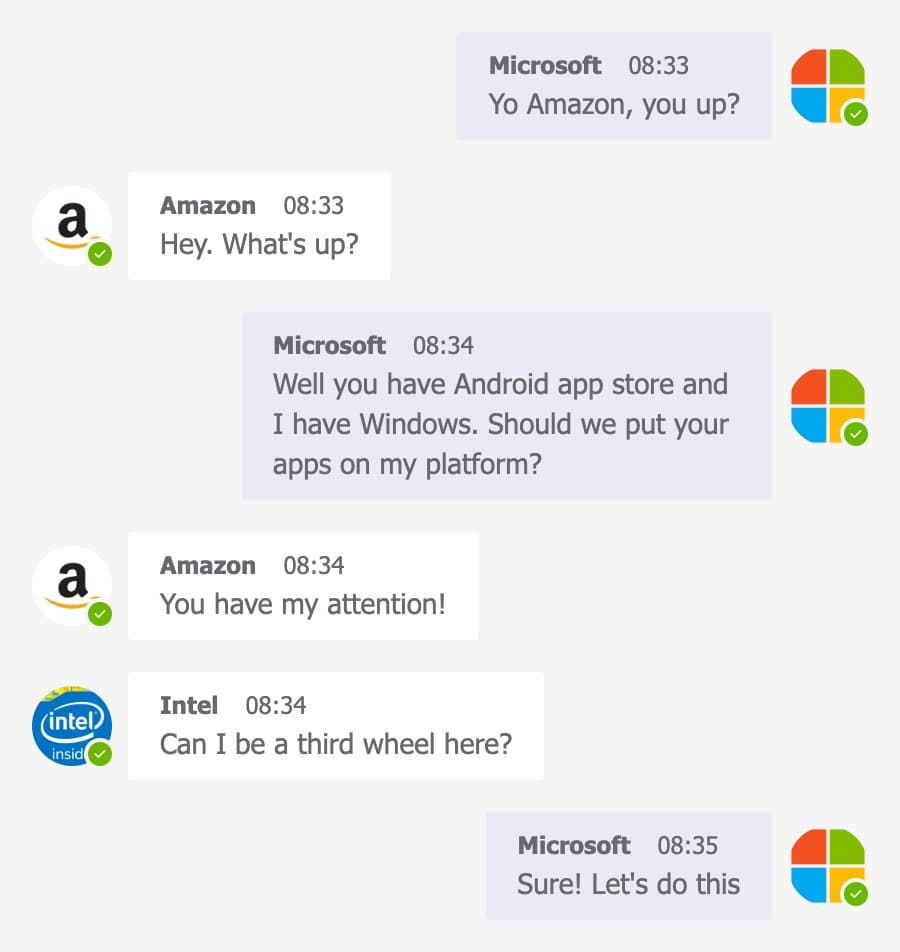
Microsoft, Amazon and Intel
When the tech giants start DMing each other about 'synergy', you know somebody's about to get monopolised.
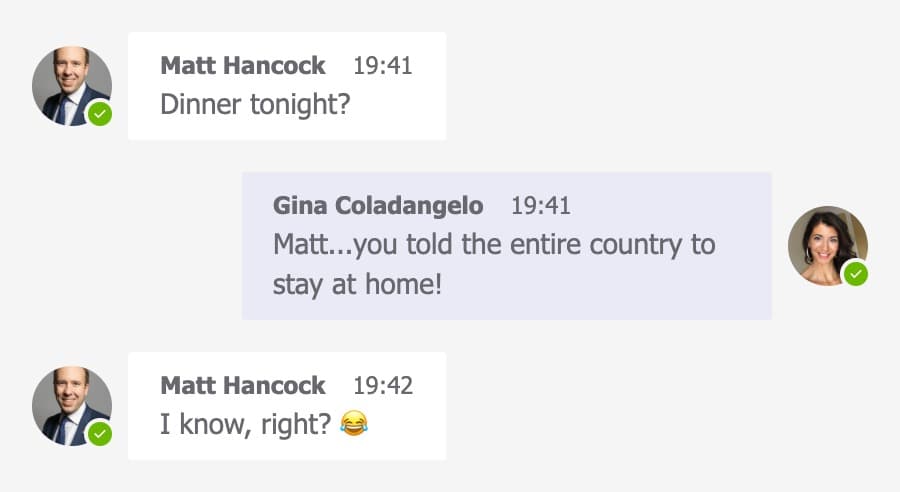
Matt and Gina
Politics' most infamous 'reply-all' moment, recreated for posterity. Some scandals just deserve their own Teams thread.
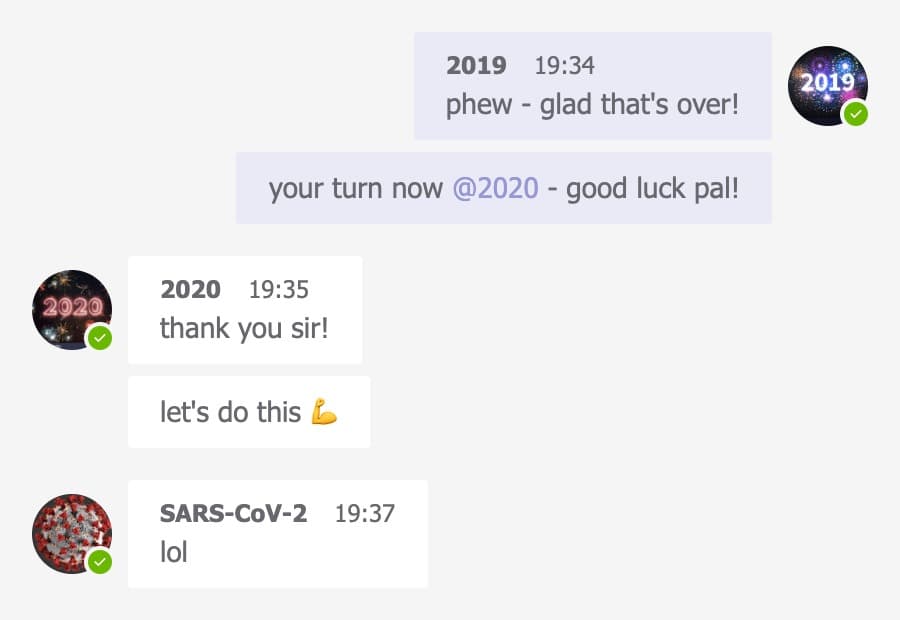
2019 to 2020 Handover
Ah, remember when we all sat at home for two years? This one's a classic from that time - 2019 hands off to 2020 with absolutely no idea what's coming.
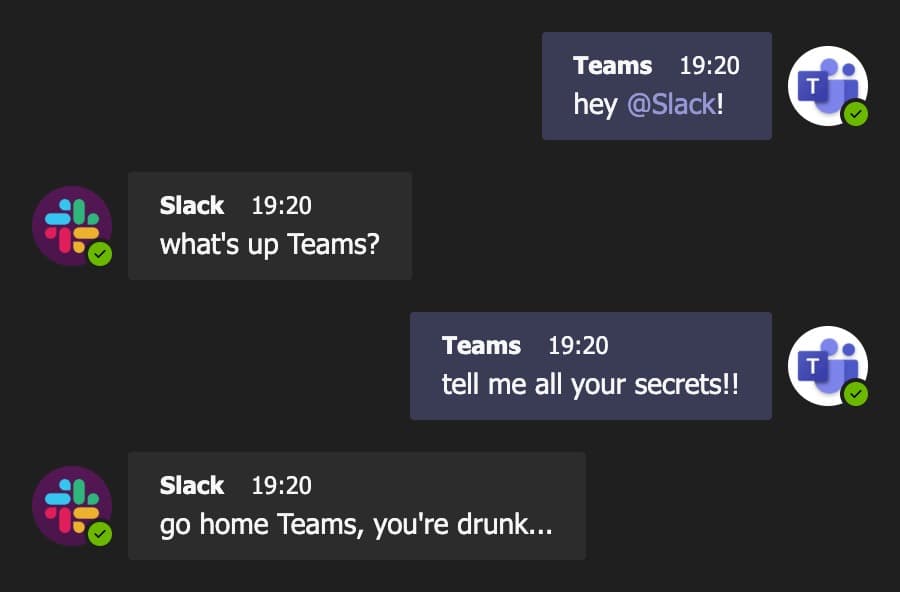
Slack vs Teams
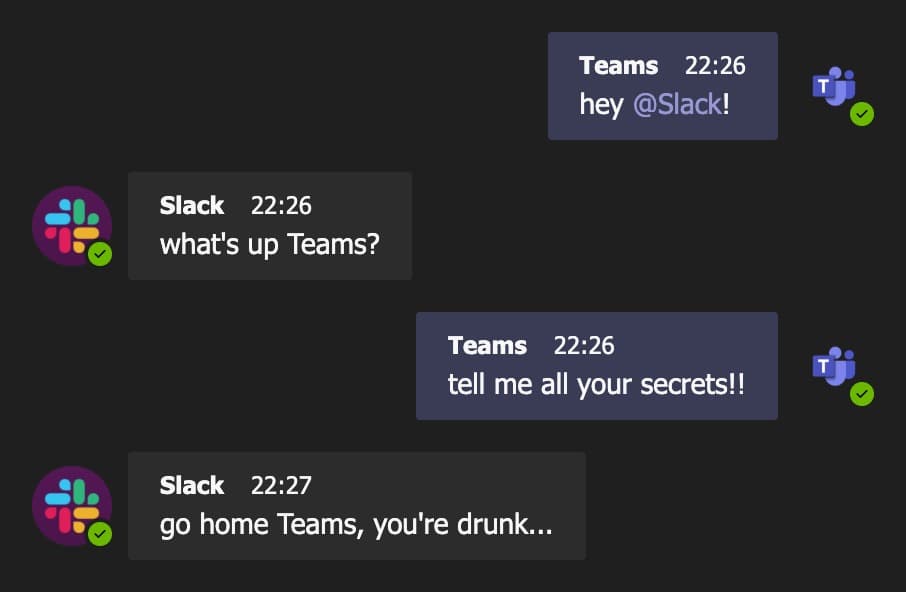
The workplace chat wars, settled the only way that matters: passive-aggressive DMs at 7:20pm on a Friday.
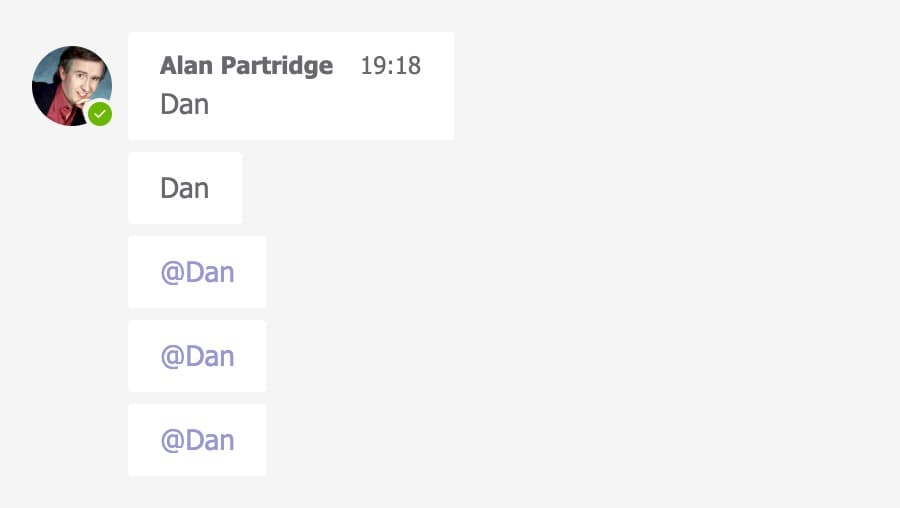
Dan! Dan! Dan!
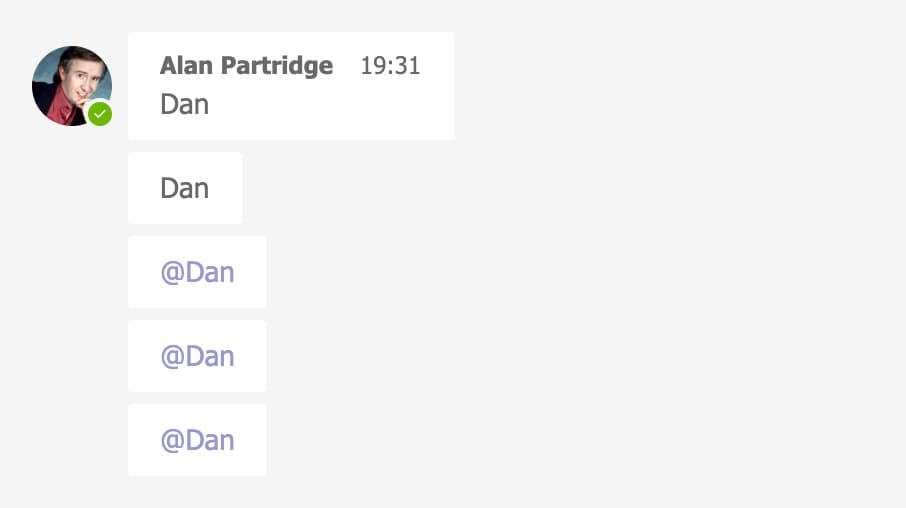
Alan Partridge discovers the @ mention function and, predictably, nothing good comes of it.
Frequently asked questions
- How do I make a fake Microsoft Teams chat?
- Head to the create page, add your participants, type out the messages you want them to send, choose light or dark mode, then hit Download. The whole thing takes under a minute and the result is a pixel-accurate Microsoft Teams conversation you can share anywhere.
- Is TeamsMemes free to use?
- Yes. Creating and downloading a fake Teams chat is completely free, with no sign-up and no trial. The free download carries a small TeamsMemes watermark; if you need a clean, high-resolution version without it, you can grab one for $2.99.
- Do I need a Microsoft Teams account?
- Not at all. TeamsMemes is a standalone chat generator that has nothing to do with Microsoft or your real Teams account. You never log in, and the conversations you build are entirely made up - that is rather the point.
- Does TeamsMemes store my messages?
- No. Everything you type is rendered into an image directly in your browser, on your own device. Your messages, names and uploaded avatars are never sent to or stored on our servers - once you close the tab, they are gone.
- Can I use my own profile pictures?
- Yes. Each participant can have a custom avatar - just upload an image when you add them. It is a quick way to make a fake conversation feel that much more convincing (or that much more ridiculous).
- Can I make a dark mode Teams chat?
- Absolutely. Toggle dark mode on the create page and your conversation will render with the dark Teams theme, which carries through to the downloaded image. Light mode is there too if you prefer the classic look.
- What can I use a fake Teams screenshot for?
- Mostly for a laugh - winding up colleagues, making memes about remote work, spicing up a presentation, or recreating a conversation that absolutely never happened. Please do not use them to deceive, defraud or harass anyone; that is not what this is for.
- Will people be able to tell it is fake?
- TeamsMemes matches the real Microsoft Teams interface closely - the bubbles, timestamps, read receipts and avatars all look the part. That said, the images are meant for fun and satire, so we would always encourage you to make it obvious you are joking.
Ready to cause some chaos?
Your fake Microsoft Teams chat is about a minute away. No sign-up, no cost, no evidence.
GET STARTED